I took down my own rescue channel
The AI advising me ran on the gateway I was fixing. I stopped it, and lost my only way to ask anything. A postmortem of a very plain single point of failure.
That afternoon I was talking to an AI inside Feishu.
The subject was upgrading openclaw. The gateway runs on that host, and the Feishu bot hangs off it. I rarely type commands directly; my loop is usually this: I say what I want in Feishu, it gives me a command, I copy it, paste it into the server, press enter.
The upgrade went fine. Twenty-seven seconds, version 2026.6.5 to 2026.10.9. I was a little pleased with myself.
Then I ran the restart command I run after every upgrade, and got an error:
[restart] failed to write gateway restart intent:
SqliteSchemaMismatchError: SQLite schema is incomplete or noncanonical;
run openclaw doctor --fix to repair it.
The error came with its own fix. I pasted it back into Feishu and asked whether it mattered. It said: run doctor --fix first.
I ran it. The output was longer, and the last line said: stop the gateway service, then run it again from a separate shell.
A quick read was enough. The service is holding the database, so of course it has to stop first. So I stopped it.
And Feishu went completely silent.
The command succeeded with no output. I switched back to the Feishu window to ask what came next. There was nothing on screen. I sent a single character. Spinner, then a red exclamation mark.
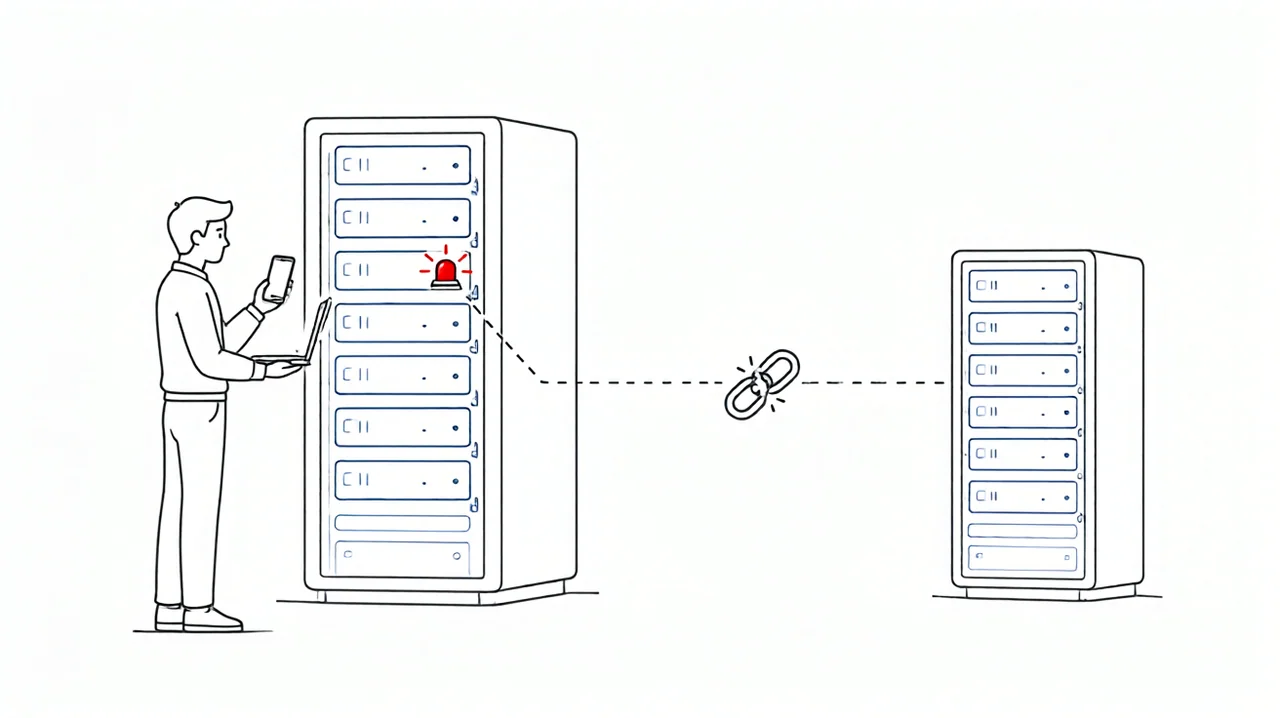
It took me a dozen seconds to work it out: what I had just stopped was not only the thing I was fixing, it was the thing I was fixing it with. The Feishu bot’s backend is the openclaw gateway. Stop the gateway and the AI that had been advising me disappears with it. It had even confirmed that “stop the service first” was correct — it did not know it was about to be stopped.
That was the first time I walked straight into a single point of failure this obvious: I had installed my rescue channel on the machine that was failing.
For two minutes I did nothing, because the only debugging tool I had was one I had just switched off myself.
The way out was a machine that was not there
Then I remembered a client called Dr T that I had installed on my laptop months earlier, tried twice, and left alone because I had no reason to need it. Now I had a reason.
It is a desktop client. It runs on my own computer and connects to the target server over SSH. It does not live on that host, so with every service there stopped and Feishu stone deaf, it could still connect and look.
I used to think “local client” versus “deployed on the server” were just two implementation choices. I don’t think that anymore. When the machine you need to fix is the machine that is broken, being able to exist independently of it is not an implementation detail. It is the property that saves you.
Its first conclusion overturned mine
Once connected, the first thing it told me was the opposite of what I believed.
My diagnosis was firm: the database is broken, the tables need repair — the error literally says SCHEMA. It looked and said: the database is fine. The migration succeeded long ago; what crashed was a small piece of cleanup after the migration finished. I had been about to spend an hour on that. Had I kept going on my own, I would have spent an hour repairing something that was already repaired, convinced the whole time that I was making progress.
What actually blocked the restart was configuration. The new version rejected a few old fields in the config file, the whole file was judged invalid, and the repair tool fell back to defaults — which of course could not work. The only hint it offered was a downgrade notice that reads like filler: configuration unavailable, using default settings. The error message and the real cause were a full layer apart.
Behind that were three older debts: a directory permission that made the installer treat the service definition as untrusted, and a Feishu plugin still on an old version calling interfaces that had been removed. Four unrelated problems came due in the same restart, and the first error message took the blame for all of them.
It stopped and asked before every change
That is what decided whether I would keep using it.
A handful of steps were flagged and held until I approved them: stop the service, change directory permissions, delete config fields, add a whitelist entry for the Feishu group. I read each explanation and confirmed each one. None of them was done quietly and reported afterwards.
The interesting part is that these were exactly the steps I would not have dared to improvise myself. So it explained why the step was needed, how wide the blast radius was, and whether it could be rolled back; the decision and the enter key stayed with me. It positioned itself as an assistant and never tried to take over my server. That is all I wanted.
Afterwards everything came back. The gateway restarted, and Feishu started answering again.
What I would keep from this
From the first pasted command to a working system, at least forty minutes went into pushing in the wrong direction. The part that actually solved the problem took far less time than I expected.
The line worth remembering: do not put your rescue channel inside the thing you are repairing. When I pick tools from now on, the first question will be — if this machine goes down entirely, can the tool still work?
The other line came from openclaw’s own startup banner, and it was accurate: you pasted that from another AI without reading it. I read it. We need to talk. I could not argue. I was the one who pasted the command, and I was the one who pressed enter without reading it.
If you also run servers with an AI assistant, this is worth a minute of thought: where does your assistant actually run? If it runs on the machine it manages, it can go down with that machine — usually at the worst possible moment.
Dr T is a standalone desktop client for Windows and macOS, connecting to Linux servers over SSH. It has two modes: in Ask mode you describe the situation and it returns reasoning and commands, flagging risky ones until you confirm; in Agent mode it works down through the problem step by step and you can interrupt at any point. It also records conclusions per device, so the next session on the same host picks up the relevant ones. Up to 3 devices on the community edition.
What I regretted that day was not the failed upgrade. Failed upgrades are normal. What I regretted was never asking, before I started: if this goes wrong, what will I still be able to use? I will ask that every time now.
Downloads and details are on the Dr T product page. The community edition is free for up to 3 devices.